




Seamless Workspaces for Collaborative Data Management #
The Workspace Module in Datazenx serves as the central hub for all your data operations. Acting as a top-level container, it enables users to efficiently manage projects, notebooks, workflows, and files from a unified interface. Designed for both technical and business users, the workspace ensures seamless collaboration across the entire data lifecycle, streamlining end-to-end analytics and operational workflows.
Projects: Organize, Collaborate, and Deliver #
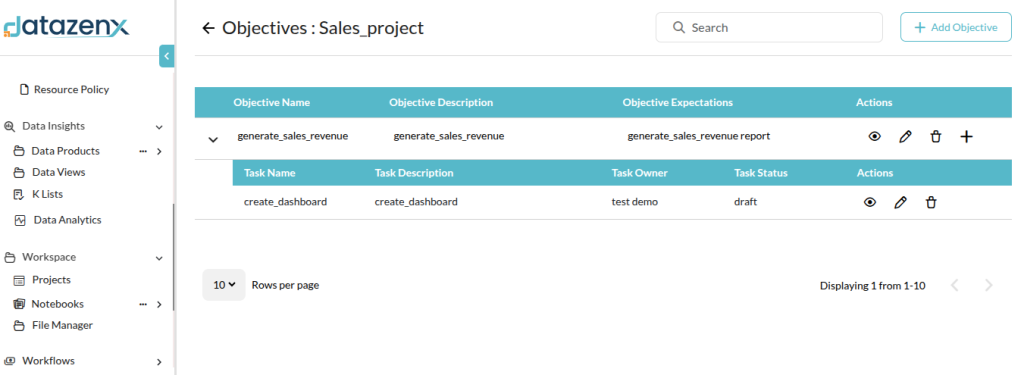
Projects within Datazenx provide a structured environment to manage datasets, notebooks, and team collaboration components. Each project encapsulates all activities related to a business objective, ensuring clarity, accountability, and efficient workflow management.
Key Features:
- Create and Manage Projects: Define new projects to organize related tasks, datasets, and notebooks.
- Ownership & Collaboration: Assign owners, add contributors, and control access to maintain security and accountability.
- Timelines & Milestones: Set project-specific start and end dates to track progress and align with business goals.
- Project Status Management: Filter projects by status (In Progress or Closed) to monitor active work or review historical records.
- Record Actions: Easily view, edit, or delete project details including team members, timelines, and status.
Asset Hierarchy: Structured for Scale #
Datazenx organizes assets in a clear hierarchy to simplify data management:
- Datasets: Raw or processed data sources that serve as the foundation for analysis.
- Views: Curated and transformed representations of datasets for analytics and reporting.
- Data Products: Reusable outputs such as dashboards, reports, or machine learning models.
Notebooks: Interactive, Collaborative, and Multi-Language #
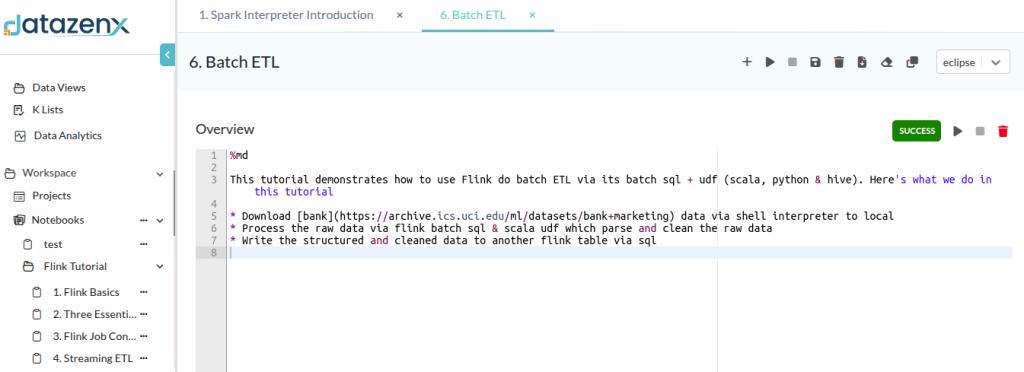
The Notebook Module provides a collaborative environment for writing, testing, and executing code. Supporting multiple languages such as Python, SQL, and PySpark, notebooks allow users to perform data exploration, transformation, and visualization in real time.
Capabilities include:
- Interactive Coding: Add, run, and manage code or markdown cells step-by-step.
- Version Control: Track notebook versions to maintain reproducibility and collaboration.
- Execution Management: Run all, stop, clear, or clone notebooks to support workflow flexibility.
- Collaboration: Share notebooks with team members while managing permissions.
- Import & Export: Easily integrate notebooks across projects or download for offline use.
File Manager: Organize Your Data Efficiently #
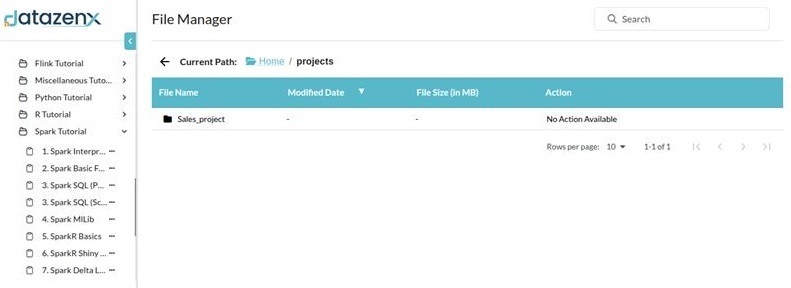
The File Manager ensures secure, user-specific storage for all project files. Every user is provisioned with an isolated workspace to upload, organize, and manage datasets, scripts, and documents.
Features include:
- User-Specific Workspace: Private directories for secure file handling and seamless workflow integration.
- File Upload & Support: Upload commonly used formats like .csv, .xls, .xlsx, and .sql.
- Folder Organization: Create nested folders and subfolders for streamlined navigation.
- File Management: Rename, move, delete, or organize files to maintain a tidy workspace.
- Integration: Access uploaded files directly in notebooks, workflows, or data products.
FAQ #
1. What is the difference between a Workspace and a Project?
A Workspace is a top-level organizational container, while Projects group related datasets, notebooks, and activities.
2. Can the same dataset be used across multiple projects?
Yes. Governed datasets and Data Products can be reused across projects without duplication.
3. Are notebooks version-controlled?
Yes. DatazenX supports versioning to ensure reproducibility and collaboration.
4. Can non-technical users access projects?
Yes. Access can be configured so business users interact only with approved views and data products.
5. Is file storage shared or user-specific?
Each user has an isolated file workspace to ensure security and ownership.